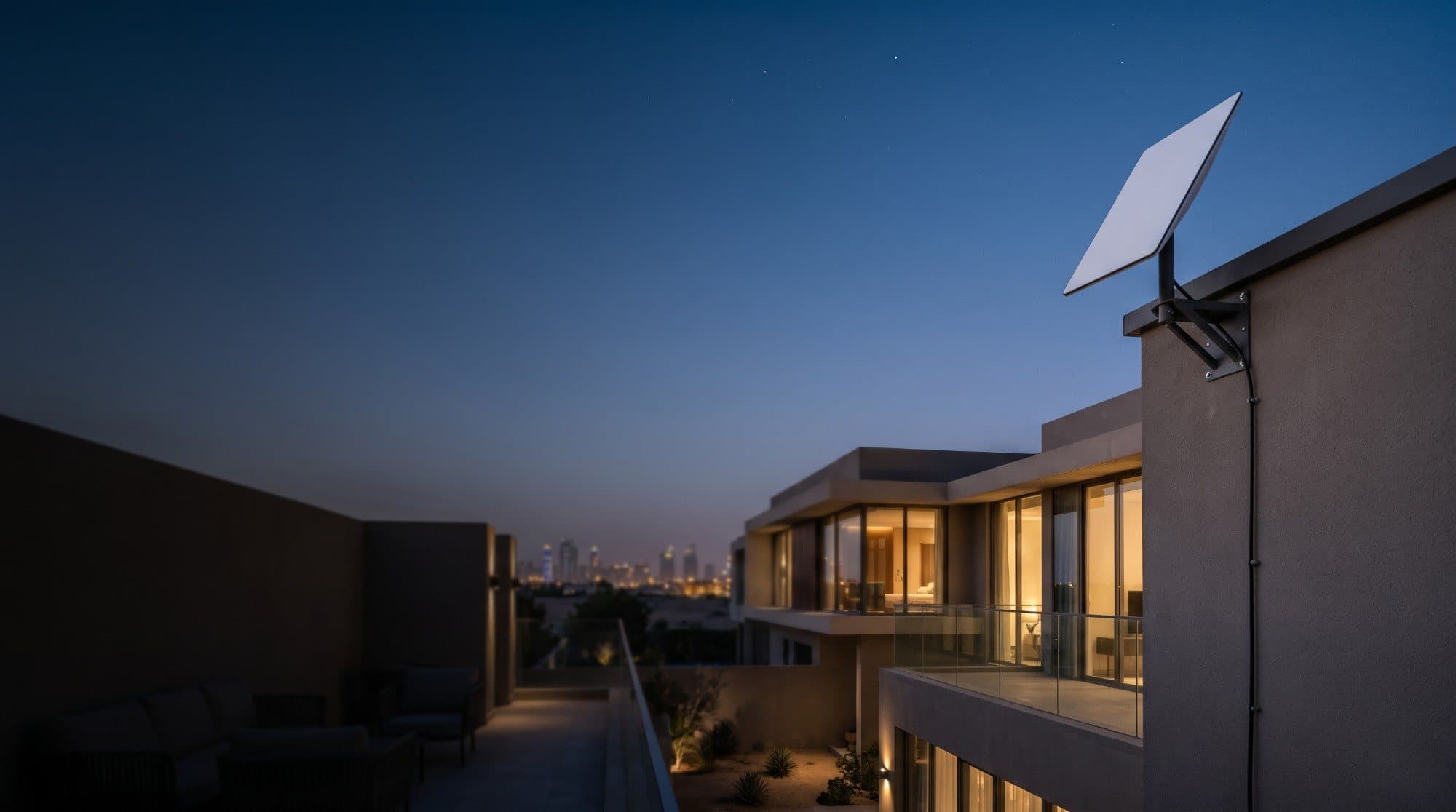
Starlink Installation
Clear sky. Solid mount. Online.
We install the Starlink dish, pull the cable to your main IT rack, and set it up with your existing wired or wireless network, in Dubai and across the UAE. We check the sky view first and test the connection before we leave.
- Sky-view check to choose the dish position
- Roof, wall or pole mounting
- Cable pulling from the dish to your existing IT rack
Same-day site visits in Dubai & Sharjah, subject to availability.
Signs you need this
- Your Starlink kit has arrived and you would rather not mount a dish on a roof or high wall yourself
- You are not sure where the dish gets a clear view of the sky
- You have an IT rack or network cabinet in the house and want the Starlink connected into it, with the cable pulled neatly from the dish
- You want it working with the wired or wireless network you already have, not a separate one
- You need a second opinion on whether your building or roof allows a dish at all
What's included
Starlink kits are designed to be self-installed, and nothing about the kit requires a professional. Where people ask for help is the harder parts: finding a spot with an unobstructed view of the sky, mounting securely at height on a roof or wall, pulling the cable from the dish all the way to your existing IT rack inside the house, and connecting it properly to the network you already have. We start with the sky view, because a dish that is blocked will never perform, then handle the mounting, the cable pull to the rack and the connection into your existing wired or wireless setup as one job. Starlink hardware and plans are bought and managed directly with Starlink; we are an independent installer, not affiliated with or endorsed by Starlink or SpaceX. Starlink is a trademark of Space Exploration Technologies Corp.
We have installed cabling, cameras and WiFi systems in hundreds of UAE homes, the same mounting, cable-routing and network work that a Starlink install involves.
- Sky-view check to choose the dish position
- Roof, wall or pole mounting
- Cable pulling from the dish to your existing IT rack
- Setup with your existing wired or wireless network
- Testing from the Starlink app and your own devices
What happens on the visit
- 1Check where the dish gets a clear view of the sky, away from trees, buildings and other obstructions
- 2Mount the dish securely on the roof, wall or pole, with fixings suited to the surface
- 3Pull the cable from the dish to your existing IT rack inside the house, and seal where it enters the building
- 4Connect the Starlink at the rack and set it up with your existing wired or wireless network
- 5Test the service from the Starlink app and from your own devices before we leave
- 6Walk you through the app basics so you can check status and restart it yourself
Frequently asked questions
Do I need a professional to install Starlink in the UAE?
No. Starlink kits are designed for self-installation using the Starlink app. People usually call an installer for the harder parts: mounting safely on a roof or high wall, finding a clear sky view, running the cable neatly, and covering a whole villa with WiFi.
How much does Starlink installation cost in Dubai?
We quote per property after a quick WhatsApp conversation, because the mounting surface and the length of the cable run to your IT rack vary from home to home. Starlink's own hardware and monthly plan are paid to Starlink separately.
Do I need an IT rack for Starlink installation?
Our standard installation pulls the Starlink cable from the dish to your existing IT rack inside the house, so it connects into your existing wired or wireless network. If your home does not have a main rack, message us on WhatsApp and we will tell you what is possible before you book.
Does the Starlink cable reach my IT rack?
Starlink's Standard kit guide lists a 15 m (about 49 ft) cable in the box. On a larger villa the distance from the roof to your main IT rack can be longer than that, so we look at the route before the visit. Check the kit you ordered, since models differ.
Do you sell Starlink kits or activate my subscription?
No. Starlink hardware and plans are ordered and managed directly with Starlink. We are an independent installer, not affiliated with or endorsed by Starlink, and we install and set up the kit once you have it.
How do I get a Starlink kit in the UAE?
Order through starlink.com. Availability has been limited, so check there for current stock and delivery times. We cannot speed up or reserve a kit for you.
Can Starlink be mounted on an apartment balcony or roof?
It depends on your building. Check with your landlord or building management before mounting anything on a facade, balcony or roof. We can tell you whether a location looks workable for sky view, but building approval is yours to confirm.
Will Starlink fix weak WiFi inside my villa?
The dish brings the connection into your home, and we set it up with your existing wired or wireless network. Coverage in each room still depends on that network, so if WiFi is weak, that is a separate WiFi setup job we also do.
Is Starlink better than Etisalat or du fibre at home?
For most homes already served by reliable fibre, fibre is the better main connection. Starlink makes most sense where fibre is unavailable or unreliable, or as a backup.
Where do you install Starlink?
We offer same-day site visits in Dubai and Sharjah, subject to availability, and scheduled visits across all seven emirates.
What a visit looks like
An illustrative example based on how these visits typically go, not a specific customer.
A typical request is a villa owner with a Starlink kit who wants the dish on the roof, but the clearest sky view is on the opposite side from where the router needs to sit.
Checking the sky view at the candidate roof positions, mounting the dish at the clearer one, pulling the cable down a protected path to the IT rack inside the house, and setting it up with the home's existing network.
The dish has an unobstructed view, shows online in the Starlink app, and the home's devices connect through the existing network as before.
Worth a look
Related services
- WiFi SetupStrong connection everywhere
- CCTV & SecuritySee what matters. Always.
- Smart HomeAutomate your entire home
- Computer RepairLaptop & desktop specialists
- Printer & SoftwareSetup & troubleshoot any device
- Home Office SetupProductive. Secure. Connected.
- Intercom & AccessSmart entry for modern homes
- IT Support24/7 support when you need us
- TV & Home CinemaMounted, wired, and set up right
- Intrusion & Alarm SystemsKnow the moment something's wrong
Your tech problems
end here.
- 01Tell us what's going on.
- 02We'll figure it out.
- 03We come to you.