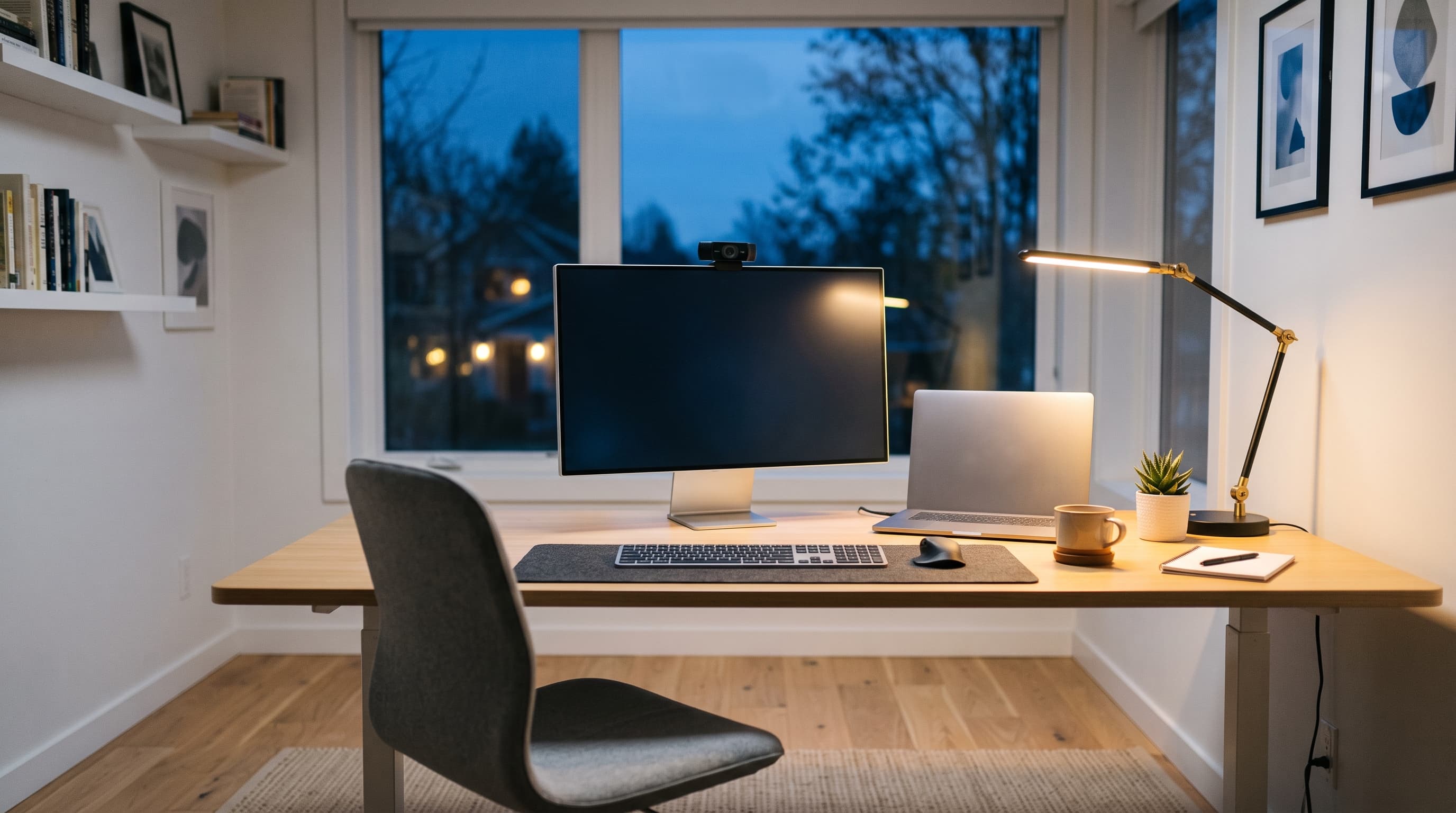
Home Office Setup in Abu Dhabi
Productive. Secure. Connected.
Abu Dhabi home office setups are common in Reem Island and Yas Island towers as well as Khalifa City villas, with the same dedicated network, VPN, and backup approach we use in Dubai, scheduled by appointment given the distance from our base.
Abu Dhabi areas we cover
- Khalifa City
- Al Reem Island
- Yas Island
- Al Raha Beach
- Mohammed Bin Zayed City
Don't see your area listed? We likely still cover it, ask us when you book.
Signs you need this
- Video calls regularly cut out or lag during work hours
- You're using a personal VPN or none at all for work access
- Files aren't backed up anywhere but the laptop itself
- Your desk setup was never actually planned for work
What's included
We treat the office area as its own small network project: dedicated access point or wiring if needed, VPN and remote access configured properly, and peripherals (monitor, webcam, audio) tested together rather than one at a time. Backup and cloud storage are set up before we finish, not left as a 'do it later' item.
We've set up home offices in hundreds of homes across the UAE.
- Dedicated office network and wiring
- Monitor, webcam, and peripheral setup
- VPN and remote access configuration
- File backup and cloud storage setup
- Video call and audio troubleshooting
Frequently asked questions
Do you improve WiFi specifically for a home office in an Abu Dhabi tower?
Yes, a dedicated access point or mesh node for the office area is a common request on Reem Island and Yas Island.
How far ahead should I book this service in Abu Dhabi?
A few days' notice is usually enough, since Abu Dhabi is scheduled by appointment rather than same-day.
Can you set up a VPN for remote work?
Yes, we configure VPN access for secure remote connections to your workplace.
Do you help with video call issues?
Yes, we troubleshoot camera, microphone, and connectivity issues for Zoom, Teams, and other platforms.
Can you improve my office WiFi specifically?
Yes, we can prioritize your office area with dedicated access points or mesh nodes for a stronger, more stable signal.
How much does home office IT setup cost in Dubai?
We do not publish a starting price for this service, because the work varies from home to home. We quote it after a quick conversation on WhatsApp.
How much internet speed do I actually need for a home office?
Less than most providers push. Video calls need roughly 3-5 Mbps per participant stream even in HD, and general browsing and cloud syncing barely register on a modern connection. What matters more is stability and enough upload speed, not the biggest available plan.
Which peripherals are worth spending on for a home office?
A second monitor tends to deliver disproportionate day-to-day value for the cost, and a quality webcam and microphone matter more than people expect if video calls are a regular part of the job, since poor audio is one of the most common, and most fixable, sources of call frustration.
Will a better microphone fix background noise on my calls?
Often yes, a directional microphone that picks up your voice while reducing background noise frequently solves the "can you hear noise on my calls" complaint more effectively and affordably than trying to soundproof the whole room.
Do I need separate user accounts or just separate folders for work and personal use?
Separate user accounts, built into both Windows and Mac, keep desktops, files, browser logins, and settings completely apart, far more effective than organizing folders within one shared account.
Where do you offer home office setup service in the UAE?
We offer same-day site visits in Dubai and Sharjah, subject to availability, and scheduled visits across all seven emirates.
Is there a warranty on home office setup service?
Yes. All installation and setup work carries a 1-year warranty covering workmanship, not just the day of the visit.
What a visit looks like
An illustrative example based on how these visits typically go, not a specific customer.
A frequent setup is someone who moved their desk into a spare bedroom, but is still working off the home's general WiFi and has never had a proper backup for work files.
Adding a dedicated access point for the office corner, configuring VPN access for the workplace network, and setting up automatic cloud backup for work files closes the three most common gaps in a single visit, tested together rather than one at a time.
Video calls stop lagging during work hours, remote access works reliably, and work files are backed up automatically instead of living only on the laptop.
Home Office Setup in other areas
- Home Office Setup in DubaiSame-day, Dubai Marina, Jumeirah and more.
- Home Office Setup in SharjahSame-day, Al Majaz, Al Nahda and more.
- Home Office Setup in AjmanBy appointment, Al Nuaimiya, Al Rashidiya and more.
- Home Office Setup in Umm Al QuwainBy appointment, Umm Al Quwain City, Al Salamah and more.
- Home Office Setup in Ras Al KhaimahBy appointment, Al Nakheel, Al Dhait and more.
- Home Office Setup in FujairahBy appointment, Fujairah City, Al Faseel and more.
- Home Office Setup overviewFull details on this service, not location-specific.
Your tech problems
end here.
- 01Tell us what's going on.
- 02We'll figure it out.
- 03We come to you.