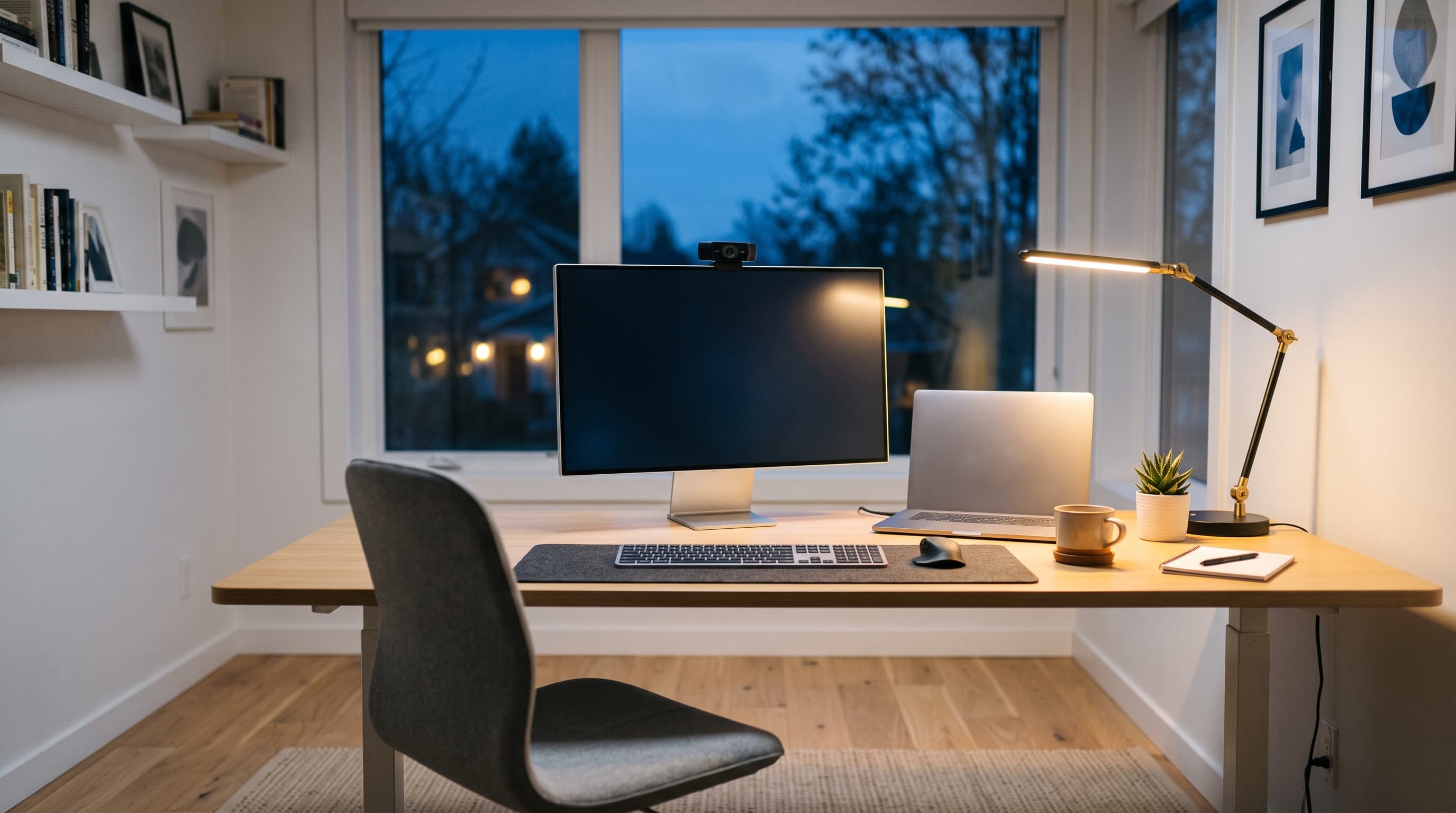
Home Office Setup in Fujairah
Productive. Secure. Connected.
Fujairah home office setups get the same dedicated network, VPN, and backup configuration as anywhere else we work, tested together in a single visit rather than one piece at a time, scheduled around the longer drive from our base.
Fujairah areas we cover
- Fujairah City
- Al Faseel
- Sakamkam
- Dibba Al-Fujairah
Don't see your area listed? We likely still cover it, ask us when you book.
Signs you need this
- Video calls regularly cut out or lag during work hours
- You're using a personal VPN or none at all for work access
- Files aren't backed up anywhere but the laptop itself
- Your desk setup was never actually planned for work
What's included
We treat the office area as its own small network project: dedicated access point or wiring if needed, VPN and remote access configured properly, and peripherals (monitor, webcam, audio) tested together rather than one at a time. Backup and cloud storage are set up before we finish, not left as a 'do it later' item.
We've set up home offices in hundreds of homes across the UAE.
- Dedicated office network and wiring
- Monitor, webcam, and peripheral setup
- VPN and remote access configuration
- File backup and cloud storage setup
- Video call and audio troubleshooting
Frequently asked questions
Do you configure VPN and backup for Fujairah home offices?
Yes, VPN access and cloud backup are part of every home office setup, regardless of location.
Why is Fujairah appointment-only?
The drive across the Hajar Mountains takes longer than our other coverage areas, so visits are booked in advance.
Can you set up a VPN for remote work?
Yes, we configure VPN access for secure remote connections to your workplace.
Do you help with video call issues?
Yes, we troubleshoot camera, microphone, and connectivity issues for Zoom, Teams, and other platforms.
Can you improve my office WiFi specifically?
Yes, we can prioritize your office area with dedicated access points or mesh nodes for a stronger, more stable signal.
What a visit looks like
An illustrative example based on how these visits typically go, not a specific customer.
A frequent setup is someone who moved their desk into a spare bedroom, but is still working off the home's general WiFi and has never had a proper backup for work files.
Adding a dedicated access point for the office corner, configuring VPN access for the workplace network, and setting up automatic cloud backup for work files closes the three most common gaps in a single visit, tested together rather than one at a time.
Video calls stop lagging during work hours, remote access works reliably, and work files are backed up automatically instead of living only on the laptop.
Home Office Setup in other areas
- Home Office Setup in DubaiSame-day, Dubai Marina, Jumeirah and more.
- Home Office Setup in SharjahSame-day, Al Majaz, Al Nahda and more.
- Home Office Setup in AjmanBy appointment, Al Nuaimiya, Al Rashidiya and more.
- Home Office Setup in Umm Al QuwainBy appointment, Umm Al Quwain City, Al Salamah and more.
- Home Office Setup in Ras Al KhaimahBy appointment, Al Nakheel, Al Dhait and more.
- Home Office Setup in Abu DhabiBy appointment, Khalifa City, Al Reem Island and more.
- Home Office Setup overviewFull details on this service, not location-specific.
Your tech problems
end here.
- 01Tell us what's going on.
- 02We'll figure it out.
- 03We come to you.