WiFi Setup in Umm Al Quwain
Strong connection everywhere
Umm Al Quwain's homes are mostly low-rise villas spread across a smaller, quieter emirate than Dubai or Sharjah, which usually means fewer concrete floors to push signal through but longer distances between rooms or across a compound. We size mesh installs around that spread-out layout rather than a tower's stacked-floor problem.
Umm Al Quwain areas we cover
- Umm Al Quwain City
- Al Salamah
- King Faisal Street area
Don't see your area listed? We likely still cover it, ask us when you book.
Signs you need this
- Video calls drop or freeze in certain rooms
- The bedroom or upstairs signal is noticeably weaker than the living room
- Devices keep switching networks or losing connection
- You're still relying on a single router in a multi-room home
What's included
We start with a full signal survey, walking every room to map exactly where coverage drops off. From there we size and place mesh nodes to close those gaps, rather than just adding a repeater and hoping. Most installs also include a health check on the existing router: firmware, channel congestion, and security settings, since a lot of WiFi problems come from the setup, not just the hardware.
We've installed WiFi and mesh networks in hundreds of homes across the UAE.
- Full home WiFi survey and dead-zone mapping
- Mesh router selection and installation
- Guest network and parental controls setup
- Bandwidth optimization for streaming and gaming
- Router firmware updates and security hardening
Frequently asked questions
Do you install WiFi in Umm Al Quwain villas and compounds?
Yes, villa and low-rise compound installs are the most common WiFi jobs we do in UAQ.
Is UAQ covered same-day like Dubai and Sharjah?
No, UAQ is covered by scheduled appointment given the distance from our base. We'll confirm a visit time when you book.
How long does a WiFi setup take?
Most home mesh WiFi installs take 1-2 hours, depending on the size of the home and number of access points needed.
Do I need to buy my own router?
No. We can supply and configure a mesh system for you, or set up hardware you already own.
Can you fix WiFi that keeps disconnecting?
Yes. Dropped connections are usually caused by interference, outdated firmware, or router placement. We diagnose and fix the root cause.
What a visit looks like
An illustrative example based on how these visits typically go, not a specific customer.
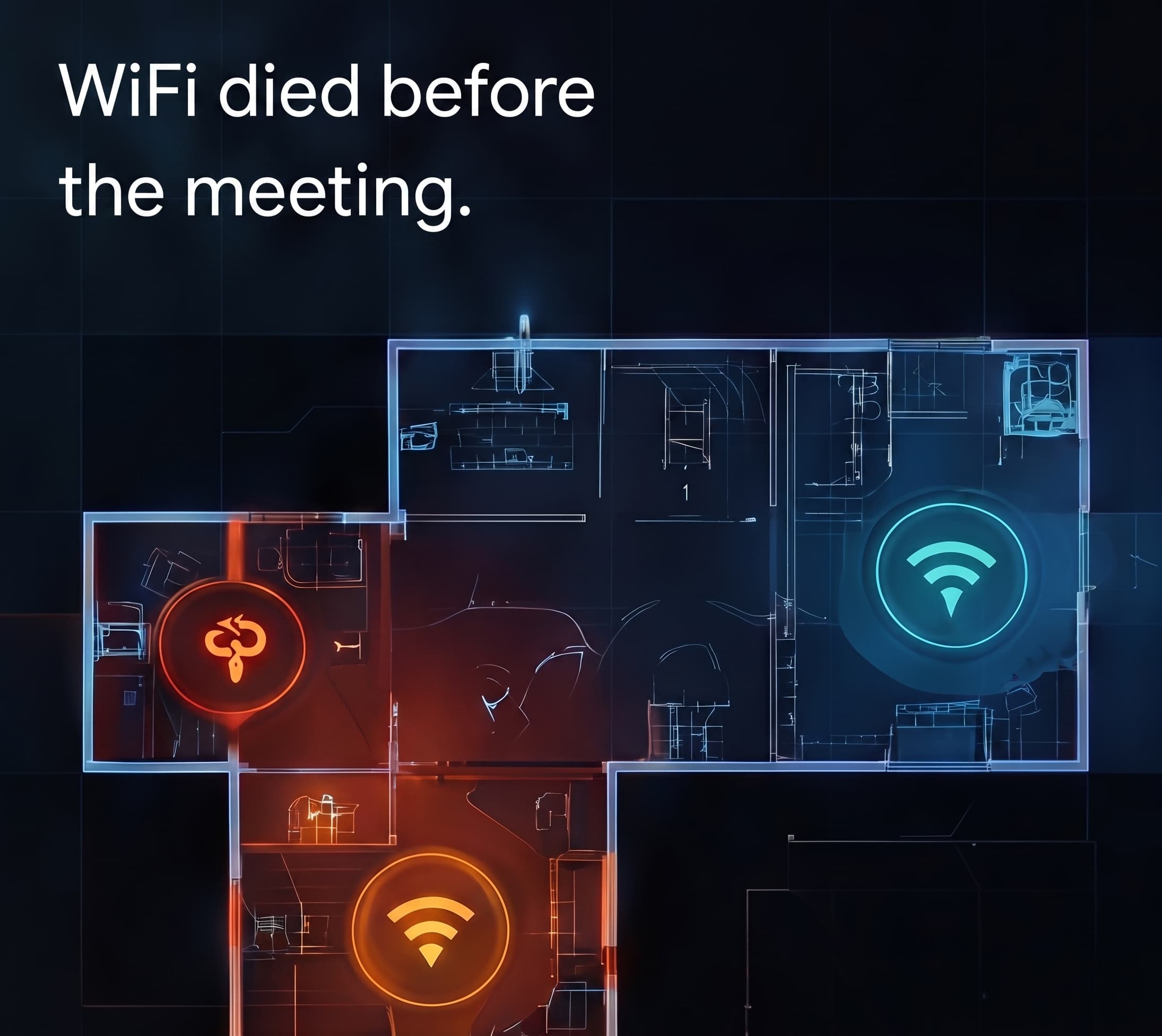
A common call is a villa where the router sits in the ground-floor hallway cupboard, and the upstairs bedrooms barely get a usable signal through two concrete floors.
A room-by-room signal survey usually shows the ground floor sitting well above -50 dBm while the far upstairs bedroom drops below -75 dBm, the point where video calls start to stutter. From there, a mesh node goes in at the top of the stairs, wired back to the router where possible for the strongest backhaul.
The upstairs bedrooms typically come back up to a strong, stable signal, and video calls stop dropping. Most installs like this are done within a single 1-2 hour visit.
WiFi Setup in other areas
- WiFi Setup in DubaiSame-day, Dubai Marina, Jumeirah and more.
- WiFi Setup in SharjahSame-day, Al Majaz, Al Nahda and more.
- WiFi Setup in AjmanBy appointment, Al Nuaimiya, Al Rashidiya and more.
- WiFi Setup in Ras Al KhaimahBy appointment, Al Nakheel, Al Dhait and more.
- WiFi Setup in FujairahBy appointment, Fujairah City, Al Faseel and more.
- WiFi Setup in Abu DhabiBy appointment, Khalifa City, Al Reem Island and more.
- WiFi Setup overviewFull details on this service, not location-specific.
Your tech problems
end here.
- 01Tell us what's going on.
- 02We'll figure it out.
- 03We come to you.