Printer & Software in Dubai
Setup & troubleshoot any device
Printer and software troubleshooting in Dubai spans everything from a single home office in Business Bay to a full family setup in Al Barsha. Most 'broken printer' calls turn out to be a network issue we resolve in one visit.
Dubai areas we cover
- Dubai Marina
- Jumeirah
- Al Barsha
- Al Nahda
- Downtown Dubai
- Business Bay
- JVC
- Mirdif
Don't see your area listed? We likely still cover it, ask us when you book.
Signs you need this
- The printer keeps dropping off WiFi or shows offline
- Different family members can't all print from their own devices
- Software won't install or keeps throwing errors
- Scan-to-email or shared printing has never actually been set up
What's included
We check the printer's network connection first, since most 'broken printer' calls are actually a WiFi or driver issue rather than a hardware fault. Once it's reliably connected, we set up shared access across every device in the home and configure any specific software you need, testing it end-to-end before we leave rather than assuming it works.
We've set up and fixed printers and software in hundreds of homes across the UAE.
- Printer setup and wireless configuration
- Driver installation and troubleshooting
- Software installation across devices
- Scan-to-email and shared printer setup
- General device troubleshooting
Frequently asked questions
Can you set up printer sharing across a Dubai apartment with multiple devices?
Yes, we configure shared printer access across every laptop, desktop, and phone in your home, regardless of building or unit type.
Do you fix software installation errors, not just printers?
Yes, general software installation and troubleshooting is part of this service across Dubai.
Can you fix a printer that won't connect to WiFi?
Yes, this is one of the most common issues we resolve, usually within the same visit.
Do you set up printers for multiple devices?
Yes, we configure shared printer access across all the laptops, desktops, and phones in your home.
Can you help install specific software I need?
Yes, we can install and configure most common software, and troubleshoot installation errors.
What a visit looks like
An illustrative example based on how these visits typically go, not a specific customer.
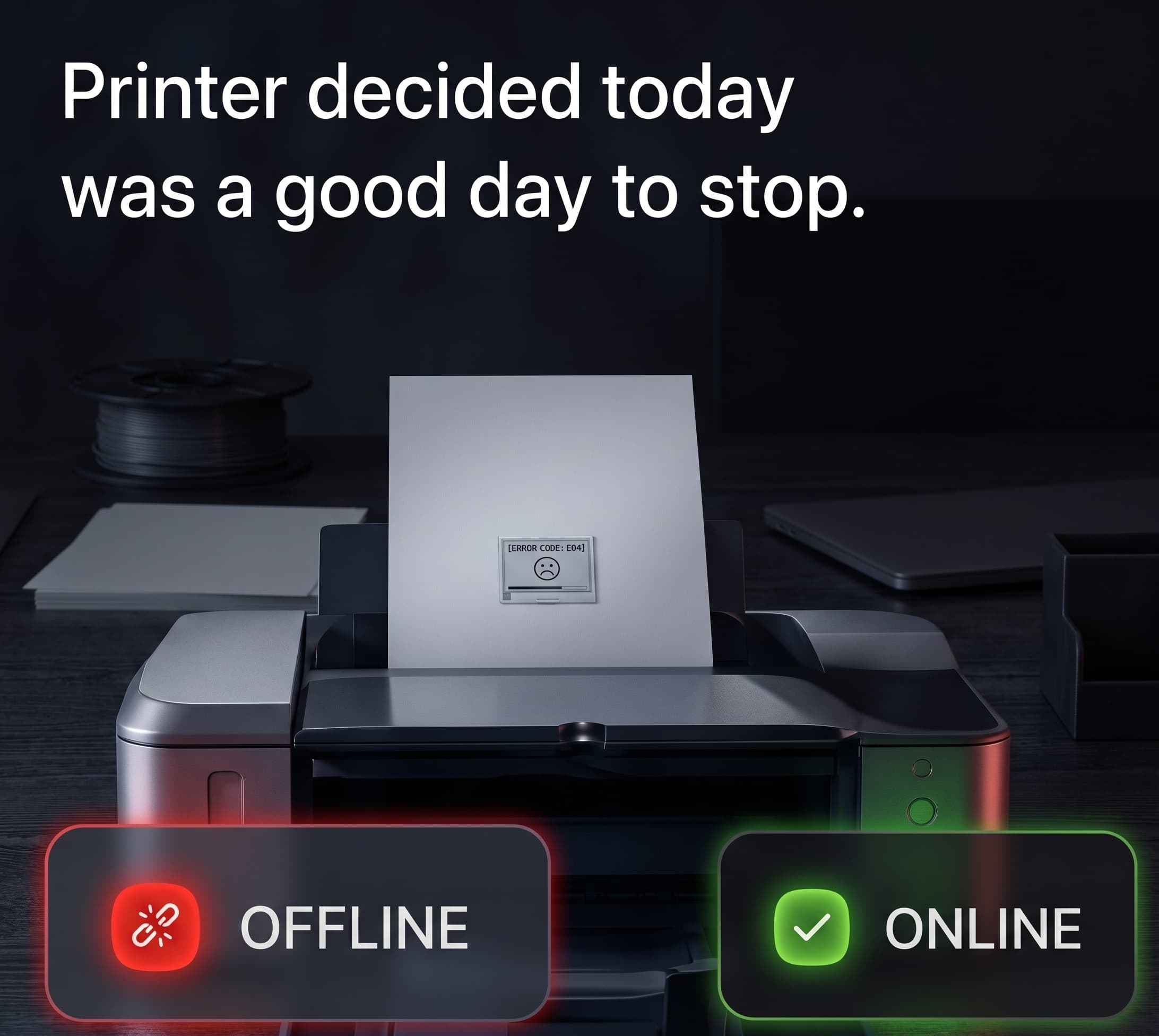
A typical call is a printer that shows 'offline' every few days, forcing whoever's using it to restart it or reconnect manually each time.
This is usually a network-side issue rather than a printer fault: the printer's WiFi connection dropping and not reconnecting cleanly, sometimes made worse by a router that assigns it a different network address each time. Setting a fixed network address for the printer and reconfiguring its wireless connection properly usually resolves it.
The printer stays connected and shows up reliably from every device in the home, without anyone needing to restart it.
Printer & Software in other areas
- Printer & Software in SharjahSame-day, Al Majaz, Al Nahda and more.
- Printer & Software in AjmanBy appointment, Al Nuaimiya, Al Rashidiya and more.
- Printer & Software in Umm Al QuwainBy appointment, Umm Al Quwain City, Al Salamah and more.
- Printer & Software in Ras Al KhaimahBy appointment, Al Nakheel, Al Dhait and more.
- Printer & Software in FujairahBy appointment, Fujairah City, Al Faseel and more.
- Printer & Software in Abu DhabiBy appointment, Khalifa City, Al Reem Island and more.
- Printer & Software overviewFull details on this service, not location-specific.
Your tech problems
end here.
- 01Tell us what's going on.
- 02We'll figure it out.
- 03We come to you.